First steps
How to buy tokens and license
To buy a HLBot license visit the https://hlbot.net/purchase page.
An indepth tutorial of how to buy tokens and license can be found Here
Bot download
This tab is only visible for users with an active license.
Here you will find download links for the latest bot version.

Bot first launch
Before downloading the bot turn off your antivirus and file scanning in your browser.
The files do not contain a virus, they're protected by a hashing program due to which antiviruses falsely detects them as a virus.
After downloading the launcher unpack it on your computer.
Once you have done this, run the HLBot.exe file and wait until the required files have downloaded
The launcher will change its name to a randomly generated one
Now all you have to do is select the language you want the bot to be in and login with your details.
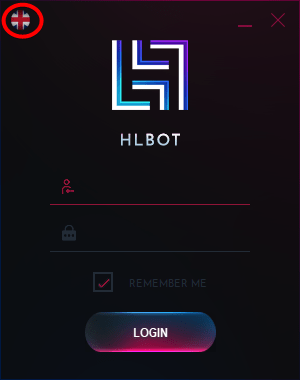
Launcher description
An indepth tutorial that describes the launcher can be found Here
Injecting the bot into client
There are two methods of injecting:
- Pathway injecting (Injecting into servers .exe client):To inject the bot using this method you need to click the first icon to the left of the "start" buttonCaution!
If the server only has an autopatcher use the second method of injecting
 .
.
Next, select the servers .exe client file (Not the Patcher)
After selecting the server client click START and the game will launch with the botinfoIf the first method is unsuccessful you should try the second method
- Process injecting:
To inject the bot through the proccess you have to open the server game client (Without using the bot), you should open it through the servers patcher.
Next, click the icon next to the "start" button
From the list select the metin2 process that you want to inject to, click Confirm or Double left-click the process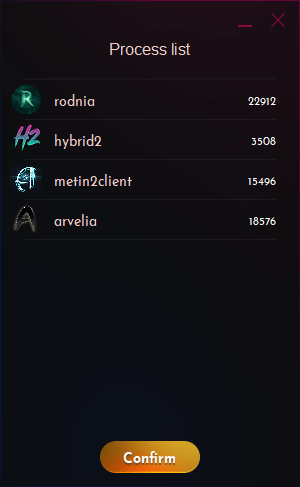 Tip
TipIf you encounter issues with launching the bot please contact Support